 Levi Rothermund
 The Spinbetter app, which was released by Sprut Group B.V. in 2019, changes the way people bet on their phones in 2026. Fans of both sports and casinos will enjoy this site, which has more than 40 sports and a lot of casino games. The small (less than 80MB) app works on both Android and iOS and has powerful features like live betting, push messages, and support for cryptocurrencies. The easy-to-use design makes it easy for both experienced and new bettors to find their way around. This mobile app is fun to use whenever and wherever you want. You can download the Spinbetter app and check out its sports betting options or dive into its gambling games. The Spinbetter gaming app lets you gamble in a way that is cutting edge right now.
- Cryptocurrencies available
- Website supports many languages
- Low minimum deposits
Quick Overview of the Spinbetter App
The Spinbetter app revolutionizes mobile betting with its comprehensive suite of features. This powerhouse platform caters to both sports enthusiasts and casino aficionados, offering an unparalleled gaming experience. With its intuitive interface and robust functionality, the app stands out in the competitive world of online gambling.
- Expansive sports coverage: Over 40 disciplines and 8,000+ events
- Casino extravaganza: 1000+ games including slots, table games, and live dealer options
- Cutting-edge live betting: Real-time wagering with integrated streaming
- Crypto-friendly: Support for multiple cryptocurrencies alongside traditional payment methods
- Tailored experience: Customizable interface with personalized settings
- Fort Knox security: End-to-end encryption and biometric login options
- 24/7 support: Instant assistance via live chat and email
- Economical data usage: Smooth operation on slower connections
- Push notifications: Stay informed about important events and offers
- Odds analysis tools: Make informed betting decisions
The Spinbetter sports betting app looks great and works well on both Android and iOS devices. Whether you want to download the Spinbetter app or fix a problem where the app won't load, the platform's focus on the user makes sure that the whole process is smooth, from installation to gaming. With its many features and special offers, the Spinbetter mobile app keeps users interested and up to date as they bet.
How to Download & Install the Spinbetter App
Getting the app is the first step in starting your Spinbetter path. The process is different for Android and iOS devices. Android users need to take a straight route to download the Spinbetter app. Use your phone's browser to go to the official Spinbetter website and find the part where you can download the app. There is an APK file, about 5 MB in size, ready for you to download. Before you go any further, make sure that your device's settings accept installations from unknown sources. This is a necessary step for APK files. After downloading the file, tap it to start the program. Then you can use the full app, which will grow to about 80 MB.
iOS users face a different path to install Spinbetter app. While some sources suggest an App Store presence, the most reliable method involves using Safari to access the Spinbetter website. Here, you'll find tailored instructions for iOS installation. This process typically involves adding a web app to your home screen, offering an app-like experience without traditional installation.
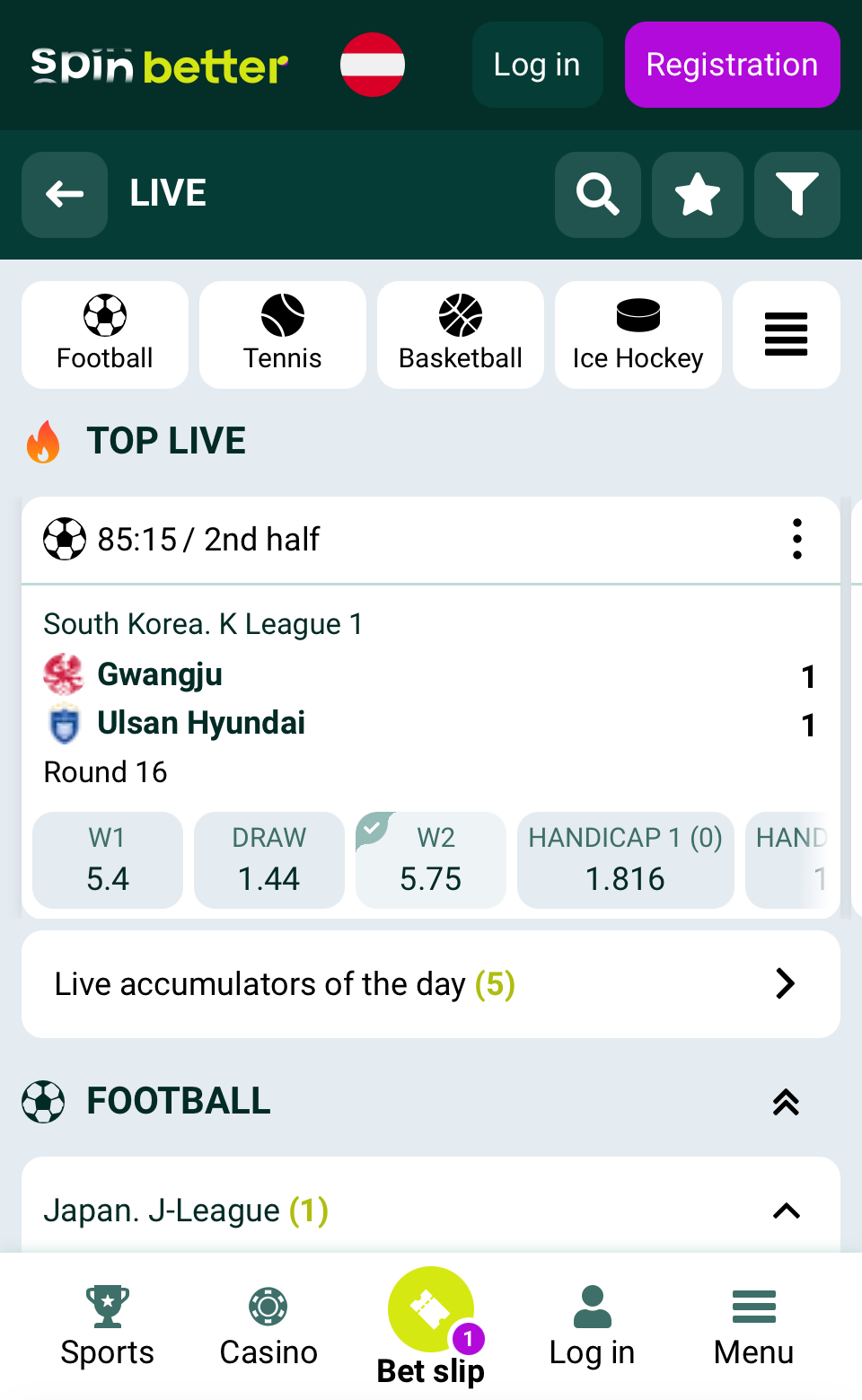
The Spinbetter app login process post-installation is straightforward across both platforms. Launch the app, tap the login button, and enter your credentials. New users can easily create an account directly through the app interface.
If you encounter issues and wonder "why is my Spinbetter app not working," several troubleshooting steps can help. First, ensure your device meets the minimum requirements: Android 5.0+ or iOS 11.0+ is typically necessary. Check your internet connection, as a stable network is crucial for smooth operation. If problems persist, try clearing the app cache or reinstalling. For persistent issues, Spinbetter's customer support is readily available to assist.
The Spinbetter app iOS version and its Android counterpart offer nearly identical features, ensuring a consistent experience across platforms. Both versions provide access to a wide array of sports betting options, casino games, and live betting features. The app's compact size belies its robust functionality, delivering a seamless and responsive betting experience without consuming excessive device resources.
To download Spinbetter app, always use the official website or verified mirror sites like spinbetter.games. This ensures you're getting the authentic, secure version of the app. The Spinbetter APK file is the key to installation on Android devices, while iOS users will follow a different process.
Remember, the app's availability and installation methods may change over time due to app store policies and regional regulations. Always check the most current information on the official Spinbetter website for the latest download and installation instructions. By following these guidelines, you'll be ready to enjoy the full range of betting options and features that Spinbetter offers, right from your mobile device.
Downloading the Spinbetter App on Android
The Spinbetter app can't be found in the Google Play Store because of rules about gaming apps. Android users have to go through a special process to install it. People who want to download the app must instead go to the official Spinbetter website. The first step is to go to the site on your phone and find the Android download part, which is usually in the menu or footer.
Users will find a small Spinbetter APK file that is about 5MB in size. It's important to make sure that your device's settings allow installs from unknown sources before you start downloading. When you download a file, hitting it starts the installation process, which makes the package bigger to its full 80MB size.
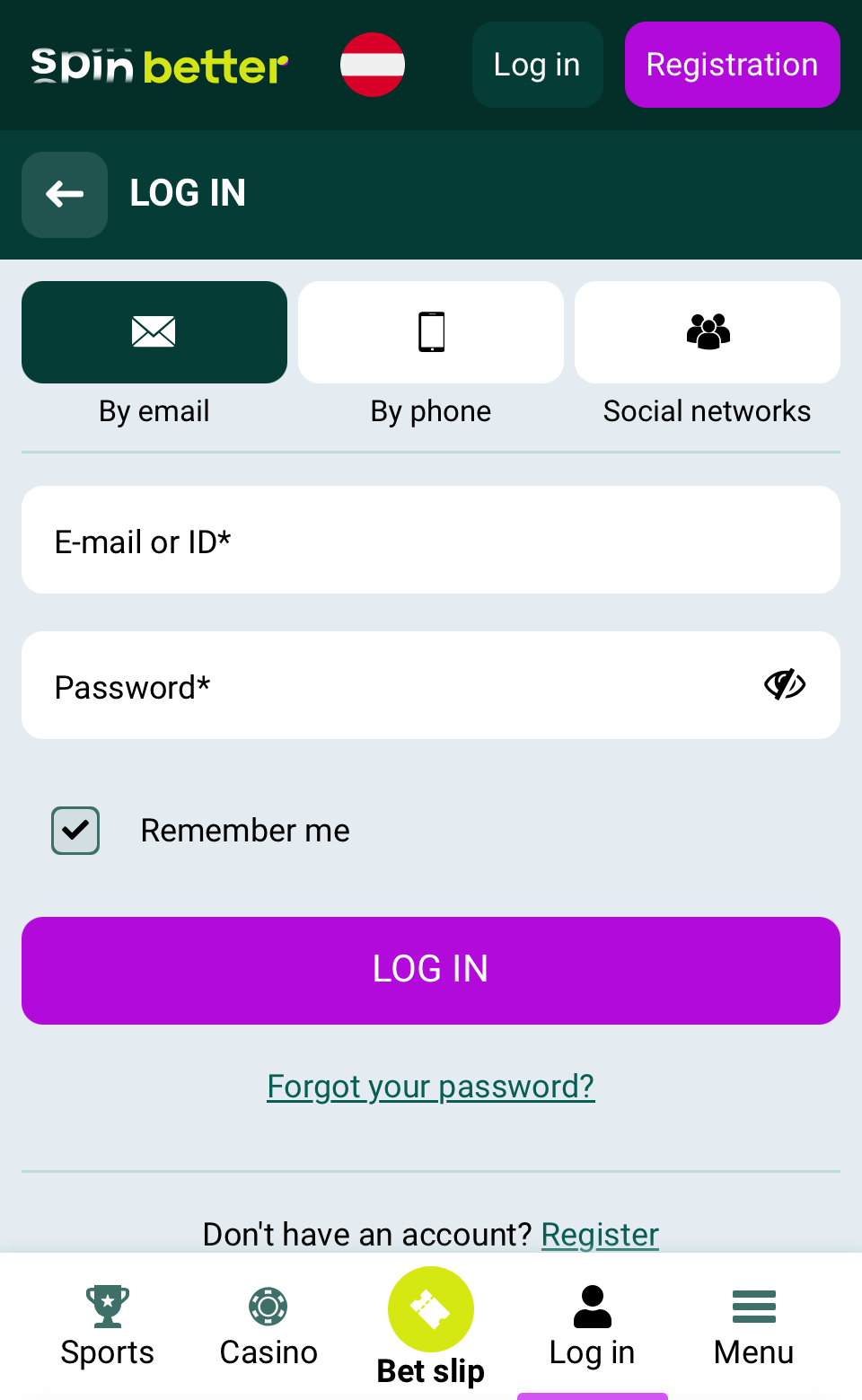
Users will always have the most up-to-date version with this method, which skips any possible Play Store update delays. To be sure of its authenticity and safety, you should only download the APK from the official Spinbetter page. The Spinbetter app guide stresses how important it is to carefully follow these steps to make sure the download goes smoothly. After installing Spinbetter, users can use all of its betting features and choices on their Android phones or tablets.
App Installation via Google Play Store
The Spinbetter app is not available on the Google Play Store due to Google's strict gambling app policies. Instead, users must download the Android application package (APK) file directly from the official Spinbetter website. This method ensures access to the latest version without relying on third-party stores. The website provides a direct download link for the APK, allowing users to install the app safely. Detailed instructions for acquiring and installing the app are available in the following APK installation guide section.
How to Install via APK file
- Access Spinbetter's official website on your Android device
- Find and tap the Android app download link
- Enable "Install from Unknown Sources" in settings
- Download the 5MB APK file
- Tap the file to start installation
- Accept app permissions
- Wait 20-30 seconds for installation
- Open the app to log in or create an account
Always download from official sources for security. The APK expands to 80MB during installation, providing full functionality.
Downloading the Spinbetter App on iOS
For iOS users, installing the Spinbetter app involves a unique process as of 2026. The app isn't available on the App Store; instead, users must visit Spinbetter's official website using Safari. An iOS-specific installation guide, typically found in the site's footer or menu, directs users to add a web app to their home screen. This creates an app-like experience without traditional installation, known as a Progressive Web App (PWA). The method offers advantages like automatic updates and minimal storage usage. Once added, the Spinbetter icon appears on the home screen, providing quick access to all betting features. This solution ensures iOS users can enjoy Spinbetter's services while complying with Apple's strict gambling app policies. The PWA approach also eliminates the need for manual updates, ensuring users always have the latest version.
System Requirements & Compatibility
The lightweight design of the Spinbetter app makes it work on a wide range of devices. Android users need at least version 5.0 (Lollipop), and 8.0 or higher is suggested for the best performance. For smooth performance, you need at least 2GB of RAM and a quad-core 1.5 GHz processor. The app takes up 80 to 100 MB of room and can fit on screens of different sizes and resolutions.
iOS users can get to Spinbetter through Safari as a Progressive Web App (PWA). To do this, they need iOS 10.0 or later, 2GB of RAM, and an Apple A9 chip or better. About 100 MB of space is needed for the PWA file. Newer hardware makes both platforms more responsive and better able to handle new features.
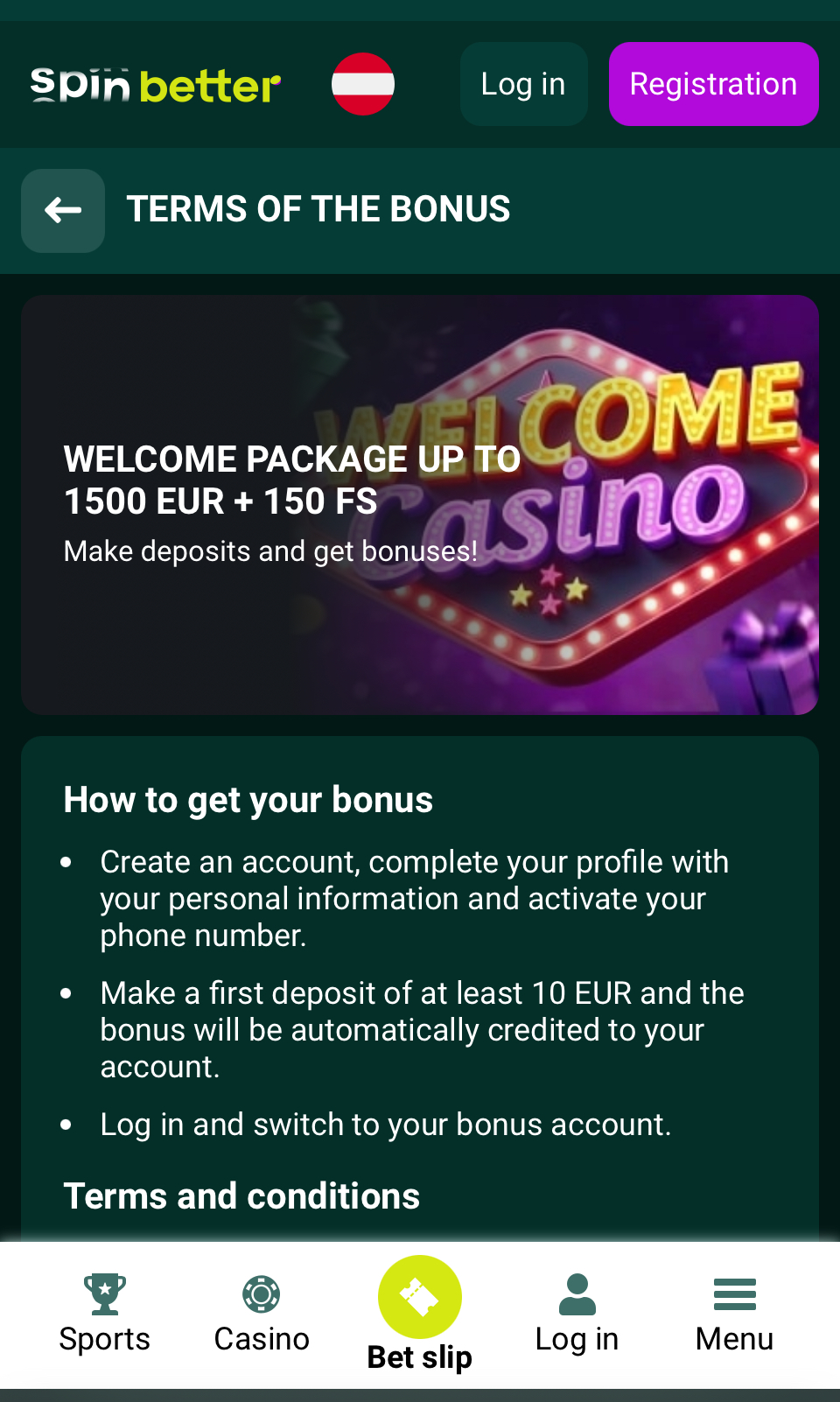
For live betting and streaming to work, you need a stable internet link. People who use older devices might have trouble with performance; the mobile website is an option. System updates make sure that the latest app features and security measures work with the system. The app's small size masks its powerful features; it provides a smooth betting experience without using too many resources.
Android System Requirements
The Spinbetter app thrives on Android devices running version 5.0 (Lollipop) or newer, with optimal performance on 8.0+. A quad-core 1.5 GHz processor and 2GB RAM ensure smooth operation. The app adapts to various screen sizes, occupying 80-100MB of storage. For the best experience, newer devices with 4GB+ RAM and octa-core processors are recommended. A stable internet connection is crucial for live betting and streaming features. Regular system updates maintain compatibility with the latest enhancements. The app's compact size belies its robust functionality, delivering a seamless betting experience without excessive resource consumption.
iOS System Requirements
Spinbetter's iOS app requires iOS 10.0 or later, optimized for iPhone 6S and newer models. It needs 2GB RAM and an Apple A9 processor minimum. As a Progressive Web App, it uses about 100MB of storage. For best performance, iOS 13+ and 3GB+ RAM are recommended. A stable internet connection is essential for live betting and streaming. Regular iOS updates maintain compatibility with the latest features, ensuring smooth functionality across iPhone and iPad models.
Detailed Analysis of Spinbetter App Features
The Spinbetter app combines sports betting and gambling games to give users a complete betting experience. It has more than 8,000 events in more than 40 sports, so it can suit a wide range of tastes, from famous leagues to niche competitions. Users can bet on a huge number of markets with competitive prices, and it's easy to switch between sports and bet on multiple events at the same time.
There are more than 1,000 games to choose from, including standard slots, table games, and new games from well-known developers such as Evolution Gaming, NetEnt, and Playtech. The live casino area stands out because it has real-time dealers and games that you can interact with. Favorite games like blackjack, roulette, and baccarat can be streamed straight to players' phones in high quality.
Real-time odds changes and the ability to bet while the game is happening are two of the most important features. Some games are available for live streaming, which lets users watch the action while making smart betting choices. The odds research tools in the app give users useful information that helps them make smart bets.
Customizing the user experience is what makes Spinbetter unique. Players can make their betting experience unique by setting up markets and games the way they like. A good filter system lets users do quick searches, so they can quickly find the betting choices or casino games they want. The app's push notification system lets users know about events, deals, and account activity that are important to them.
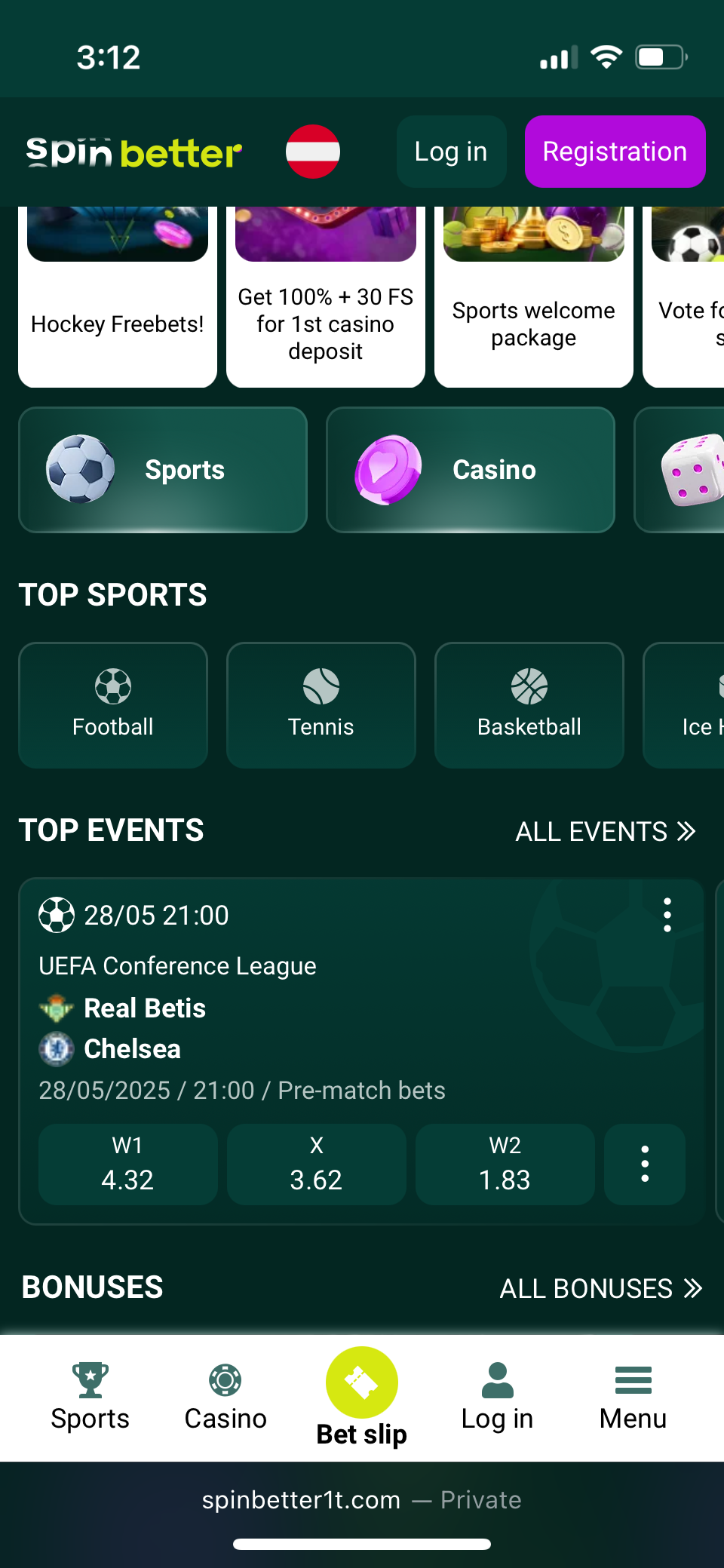
End-to-end encryption and biometric login options are just two of the strong security steps that are in place. The app lets you pay safely with more than 15 different ways, such as cryptocurrencies and traditional e-wallets. This wide range lets users pick the way of transaction that works best for them, balancing ease of use and safety.
Customer service is easy to get in touch with; you can get help 24/7 through live chat and email. This makes sure that users can quickly solve problems or ask questions, which improves the gaming experience as a whole. A full Frequently Asked Questions (FAQ) part answers all of your questions and gives you advice on different aspects of sports betting and casino gaming.
The Spinbetter app stays at the cutting edge of mobile betting technology with regular updates that add new features and games and improve speed. The app's low traffic usage is impressive; users can get full functionality without using a lot of data, even on older devices or networks that are slower.
To sum up, the Spinbetter app is a great way for both sports bettors and casino players to play. It has many betting choices, a variety of casino games, the ability to bet in real time, and an easy-to-use interface that make mobile gambling very appealing. The app offers strong security, a variety of payment options, and committed customer service, making it a complete choice for mobile users looking for a safe and fun betting platform.
How to claim the Spinbetter sign up bonus on the app
Claim your Spinbetter welcome bonus through the app. Register, complete your profile, and verify your phone number. Opt into the bonus program and make your first deposit. Our exclusive affiliate link unlocks an enhanced welcome offer, maximizing your initial experience. Boost your start with Spinbetter today.
- Cryptocurrencies available
- Website supports many languages
- Low minimum deposits
App Performance & Stability

The Spinbetter app showcases impressive performance across devices, with swift load times and smooth navigation. Its responsive interface ensures seamless transitions between betting markets and casino games, while maintaining minimal battery consumption. The app's stability excels during live betting, offering consistent functionality without crashes. Optimized for various network conditions, it performs well on both Wi-Fi and mobile data. Regular updates enhance speed and reliability. Though occasional minor lags may occur during peak hours, overall performance surpasses expectations, providing users with a fluid and enjoyable betting experience on the go. The app's economical data usage further enhances its appeal.
User Interface & Design Layout
The Spinbetter app's interface prioritizes user experience with its clean layout and harmonious green and purple color scheme. A bottom bar offers quick access to key sections like Live, Sports, and Casino, while the home screen displays current match broadcasts. Customizable settings and responsive design enhance usability across devices. The streamlined betting process enables quick wagers with minimal taps. Thoughtful organization ensures easy access to advanced features for both novices and experienced bettors. The app's design strikes a balance between sophistication and accessibility, creating an engaging platform for mobile betting and casino gaming.
Live Streaming & In-Play Betting
The Spinbetter app offers real-time odds updates and seamless in-play betting. Select matches feature high-quality live streaming, enhancing the experience. The interface enables quick wagers during fast-paced events.
- Extensive live sports markets
- Smooth video streaming
- User-friendly betting slip
- Cash-out options
- Live statistics and updates
Security & Privacy Features
Spinbetter prioritizes user security with multi-layered protection. Advanced encryption safeguards transactions and data, while secure authentication options include PIN codes and biometric login. Certified fair games use random number generators for integrity. Direct server connections and personal data protection shield against unauthorized access. The platform adheres to industry compliance standards since 2019. Features include secure login and warnings against unofficial downloads. These measures create a secure environment for users enjoying Spinbetter's services. The app's security also helps bypass geo-restrictions, expanding accessibility worldwide. With comprehensive security protocols, Spinbetter offers users peace of mind while betting on their mobile devices.
Customer Support & Live Chat
Spinbetter offers 24/7 customer support via live chat, email, and phone. The app provides easy access to assistance, with quick chat responses. Knowledgeable agents efficiently resolve issues. Multi-language support accommodates diverse users, enhancing the betting experience with prompt, professional help. The intuitive interface streamlines support access for users.
Cash-Out & Betting Tools

The Spinbetter app offers robust cash-out options for strategic bet management. Real-time odds updates and partial cash-outs provide flexibility. Unique tools include customizable alerts, multi-view layouts for simultaneous event tracking, and advanced statistical overlays. The user-friendly interface ensures quick access to these features. One-tap cash-outs and intuitive bet builders streamline the wagering process. With its comprehensive toolkit, Spinbetter caters to both novice and experienced bettors, enhancing the overall betting experience through innovative features and seamless functionality.
User Experience: Pros & Cons of Spinbetter App
The Spinbetter app offers an intuitive interface for novice and experienced bettors alike. With extensive sports coverage and diverse casino games, it provides ample entertainment. Live betting with real-time odds updates enhances the experience. However, occasional lag during peak hours can be frustrating. While the app supports various payment methods, including cryptocurrencies, some withdrawal options may be slow. The absence of a loyalty program could limit long-term user engagement. Despite these drawbacks, the app's comprehensive features make it a solid choice for mobile betting.
Pros
- Intuitive, customizable interface
- Extensive sports and casino offerings
- Live betting with real-time updates
- Cryptocurrency support
- Robust security with biometric login
- Data-efficient mobile betting
- 24/7 multi-channel customer support
Cons
- Limited interface customization options
- Occasional lag during peak hours
- Slower withdrawals for some payment methods
- No comprehensive loyalty program
- Restricted access in certain regions
- Limited live streaming compared to competitors
- Occasional app crashes during high-traffic periods
Spinbetter app not working

When facing issues with the Spinbetter app, several troubleshooting steps can help. For login problems, clear your browser cache and cookies, then restart the app. Slow loading? Check your internet connection and close background apps. If the app freezes or crashes, force-close and relaunch it. Ensure you're using the latest version by checking for updates. Uninstalling and reinstalling can often resolve persistent issues. For geolocation errors, verify your device's location settings are enabled. Double-check your account balance and payment method details for transaction-related problems. If issues persist, contact Spinbetter's customer support through the app or website for personalized assistance. They can provide specific troubleshooting steps based on your device and issue. Regular app maintenance, including keeping your device's operating system up-to-date, can prevent many common problems and ensure smooth functionality.
How to Place Your First Bet via the App
Ready to place your first bet on Spinbetter? Follow these steps:
- Open the app and tap "Register" to create your account
- Choose your preferred welcome bonus
- Complete the registration form with accurate details
- Verify your account via email or SMS
- Navigate to the "Deposit" section and select a payment method
- Fund your account with the desired amount
- Browse sports or casino games and select your preferred option
- Tap on the odds or game to add it to your bet slip
- Enter your stake amount
- Review your selection and confirm the wager
Congratulations! You've just placed your first bet. Remember to gamble responsibly and set personal limits. Explore the app's features, including live betting and casino games, to enhance your experience. Always stay informed about the latest odds and promotions. Enjoy the excitement of betting with Spinbetter!
Tips GG Personal Opinion on Spinbetter App
- Cryptocurrencies available
- Website supports many languages
- Low minimum deposits
The Spinbetter app stands out in mobile betting with its intuitive interface and extensive sports coverage. Real-time odds updates enhance live betting, though occasional lag during peak hours is a drawback. The vast casino game selection impresses, but live dealer options could expand. Balancing comprehensive features with user-friendly design, Spinbetter appeals to both novice and experienced bettors. While not perfect, it offers a versatile platform for those seeking a robust mobile betting experience across sports and casino games.
Frequently Asked Questions about the Spinbetter App
Where can I download the Spinbetter App?
Download the Spinbetter app from the official website. Android users can access the APK file directly, while iOS users get a web app through Safari. Always use official sources for security and authenticity.
Is the Spinbetter App secure and reliable?
Spinbetter app employs encryption and secure authentication, with regular updates ensuring reliability since 2019. While occasional performance issues occur during peak times, it generally provides a secure and stable betting experience for users.
Why is the Spinbetter App not working on my device?
App issues may stem from outdated software, device incompatibility, or network problems. Update the app, clear cache, or reinstall. Check internet connection and device specs. For persistent issues, contact Spinbetter's customer support.
Can I livestream sports events on the Spinbetter App?
Spinbetter offers live streaming for select sports events, allowing users to watch matches in real-time while betting. This enhances the overall experience, though availability may vary based on licensing agreements and specific competitions.
What is an APK file and is it safe to use for installing the Spinbetter App?
APK files are Android app installers. While official stores are safest, Spinbetter's website APK is secure. Always download from trusted sources and enable security settings before installing to ensure safety and authenticity.