 Liam Duckstein
Three weeks. Two phones. One tablet. That is how long the TipsGG editorial team lived inside the Stake app before writing a single word of this review. Real accounts. Real deposits in Bitcoin and by card. Real bets on football, tennis and CS2 esports, including live wagers during a Champions League night. We withdrew actual winnings, timed every transaction, and grilled customer support at strange hours just to see what would happen.
- 10+ esports titles
- Live and pre-match betting
- Crypto deposit and withdrawal
Stake launched in 2017 as a crypto bookmaker and grew into one of the loudest names in online betting. The mobile app had big shoes to fill. Our verdict after the test period? It fills them. Mostly. A few things irritated us and we will not hide them.
One thing first. Register through our link and enter the promo code TIPSGG to unlock a 200% Bonus up to $500. That is the strongest welcome package we can currently secure for new Stake players. Grab the 200% welcome bonus here.
Quick Overview of the Stake App
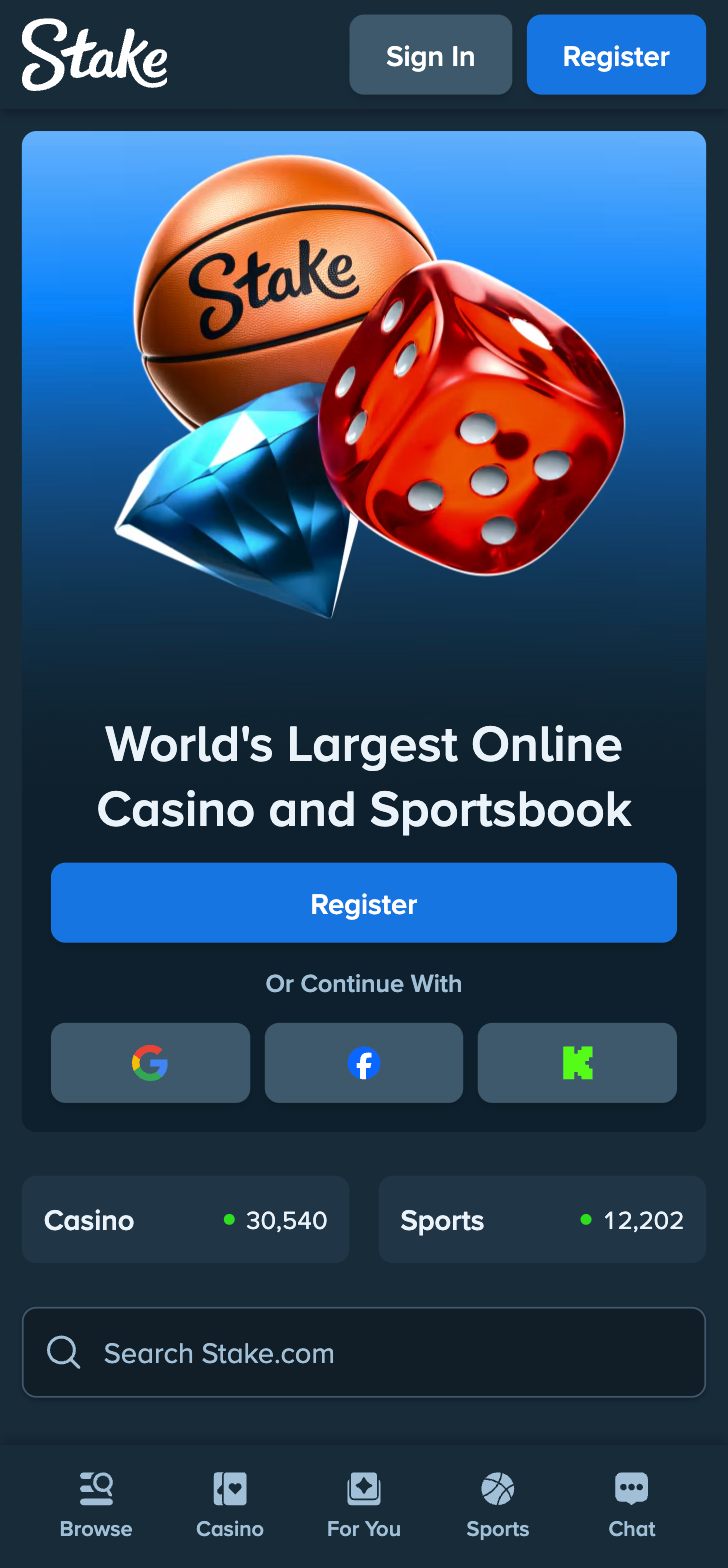
Think of the app as the full Stake platform shrunk into a phone without losing the muscle. Sportsbook, casino, live dealers, crypto cashier, bet history, settings. Everything is there. A bottom navigation bar carries you between Sports, Casino and Home, with a wallet tab and profile menu bolted on. Clean. Fast. Slightly bare-bones, honestly, until you notice how much sits behind those three tabs.
Here is the summary table pulled straight from our test notes:
| Aspect | What We Found | Rating |
|---|---|---|
| 🎰 Sportsbook | 35+ sports, strong football lines, deep esports markets | 4.5/5 |
| 🎲 Casino | Stake Originals, 1000+ slots, live dealer tables | 5/5 |
| 💸 Payments | Crypto-first (BTC, ETH, LTC, DOGE and more), fiat supported | 5/5 |
| 🎁 Welcome bonus | 200% Bonus up to $500 with code TIPSGG | 4.5/5 |
| ⚡ Stability | Zero crashes in three weeks of daily use | 4.5/5 |
| 🛡️ Licensing | Curaçao licence, operated by Medium Rare N.V. | 3.5/5 |
| ⭐ Overall | Top-tier mobile betting product | 4.5/5 |
Stake
How to Download & Install the Stake App
Installation differs between platforms. Android users may need the APK route depending on region, since Google's store policies restrict real-money gambling apps in certain countries. iOS users usually have it easier. Both paths are safe as long as you stick to official sources, and we will point you to them below.
Downloading the Stake App on Android
Two options exist. Try the Play Store first, fall back to the APK if your region blocks the listing.
App Installation via Google Play Store
Open the Play Store, search for Stake, confirm the developer name matches the official listing, tap Install. Done in under a minute on a decent connection. If the app does not appear in search results at all, your region is likely restricted and the APK method is your way in.
How to Install via APK file
- Open the official Stake website in your mobile browser
- Tap the app banner or the mobile installation prompt
- Download the APK file from that official page only
- Allow installs from unknown sources in your phone settings (Android walks you through it)
- Open the file, install, log in
Took us about four minutes on a mid-range Samsung. The unknown sources toggle scared a colleague of ours. It shouldn't. On Android 8 and above the permission is granted per-app, so your phone stays protected from everything else.
Downloading the Stake App on iOS
- Open the Apple App Store
- Search for Stake
- Confirm the developer listing is the official one
- Tap Get, then install
- Open the app and sign in or register
Where the App Store listing is unavailable in your country, the Stake mobile site will point you to the correct regional option, or the responsive web app covers everything on its own. We tested the iOS build on an iPhone 13 and an aging iPhone 8. Both ran fine.
- 10+ esports titles
- Live and pre-match betting
- Crypto deposit and withdrawal
System Requirements & Compatibility
Nothing exotic. Any phone bought in the last five or six years handles the app without breaking a sweat.
Android System Requirements
- Android 8.0 or newer
- 2 GB RAM minimum, 3 GB recommended
- Around 150 MB of free storage
- Stable internet connection, Wi-Fi or mobile data
We ran it on a 2019-era budget Xiaomi with 3 GB of RAM. No lag worth mentioning. Casino games loaded in a couple of seconds and live odds updated without stutter.
iOS System Requirements
- iOS 14.0 or later
- iPhone 6s or newer, any recent iPad
- Roughly 200 MB of free space
- App Store account in a supported region
The iPhone 8 from our test bench, a phone Apple abandoned years ago, still handled everything we threw at it. Impressive optimization work from the Stake dev team.
How to Claim the Stake Sign Up Bonus on the App
Here is the part most readers care about. New users who register through our affiliate link and apply the promo code TIPSGG receive a 200% Bonus up to $500. Deposit $250 and you play with $750 in total. That is a serious head start compared to what you get signing up cold.
The steps:
- Tap here to open the Stake registration page
- Create your account with email and a password
- Enter the promo code TIPSGG during registration
- Make your first deposit
- The bonus lands in your account, ready to use on sports and casino
Read the bonus terms in the app before wagering. Wagering requirements apply, as they do everywhere. We always say this and we will keep saying it: a bonus is only worth what its terms let you withdraw. For a broader picture of how offers and markets work across bookmakers, our sports betting guide breaks down the fine print.
- Also read: Stake Review and Rating
Detailed Analysis of Stake App Features
Now the deep stuff. We scored every major feature group separately during testing. The following sections walk through each one with the numbers and anecdotes from our notes, including the failures. Especially the failures. Those tell you more about an app than any highlight reel.
Quick note on the cashier, since it touches everything. Deposits in BTC, ETH, LTC and DOGE confirmed within minutes. Card deposits went through instantly too. Our crypto withdrawal arrived in under ten minutes. Ten. Traditional bookmakers make you wait a day or three for a card payout, so this speed genuinely changed how we used the app during the test.
App Performance & Stability
Rating: 4.5/5. Zero crashes across three weeks. Let that sink in. We bet live during peak hours, spun slots for an hour straight on one unfortunate evening (note to self: plinko is a trap) and kept the app running in the background through full football matches. It never once kicked us out.
Cold start takes about two seconds on a modern phone. Live odds refresh near-instantly. Battery drain stayed reasonable, around 6-8% per hour of active use, which is normal for an app of this type. Data consumption is modest too, roughly 15 MB per hour of sportsbook browsing.
User Interface & Design Layout
Rating: 4/5. Stake goes for dark mode by default, with the brand's signature green accents. Some people love it. We do. One tester called it 'soulless corporate dark'. He still opened it every single day of the test, so make of that what you will.
The bet slip lives as a floating icon that expands when tapped. Finding specific markets takes two or three taps at most once you learn the layout. The learning curve exists, maybe an hour of poking around, and then everything sits where your thumb expects it. Minor gripe: the casino section buries table limits behind an extra tap. Annoying if you hop between stake sizes the way we did.
- 10+ esports titles
- Live and pre-match betting
- Crypto deposit and withdrawal
Live Streaming & In-Play Betting
Rating: 4/5. Live betting is where the app earned our respect. Odds update quickly, the slip accepts in-play wagers without the lag you find on some competitor apps, and the match visualization keeps you informed even without video.
Streaming itself is available for selected events, mostly tennis, basketball, esports and lower-tier football. Not every match, and no, the app will not stream the Premier League for free. What is there runs smoothly at decent quality on 4G. We watched two full CS2 maps on the app without a single buffer. Streams held up even on a spotty train connection, which surprised us.
For context on where Stake ranks among bookmakers for the biggest sport of all, see our best football betting websites comparison.
- Also read: Login to Stake Account Guide
Security & Privacy Features
Rating: 4/5. The app enforces SSL encryption on all traffic, supports two-factor authentication through Google Authenticator or SMS, and requires identity verification before your first withdrawal. Sessions auto-lock after inactivity. Crypto withdrawals go to whitelisted addresses only, a feature we wish every crypto bookmaker copied.
Stake operates under a Curaçao licence through Medium Rare N.V. We rate that lower than a UK or EU licence, plainly. It is a real licence with real obligations, but player recourse is weaker than with top-tier regulators. Know this going in. If gambling ever stops being fun for you, the tools described in our responsible gaming resource can help you regain control, and the app itself offers deposit limits, loss limits and self-exclusion options.
Customer Support & Live Chat
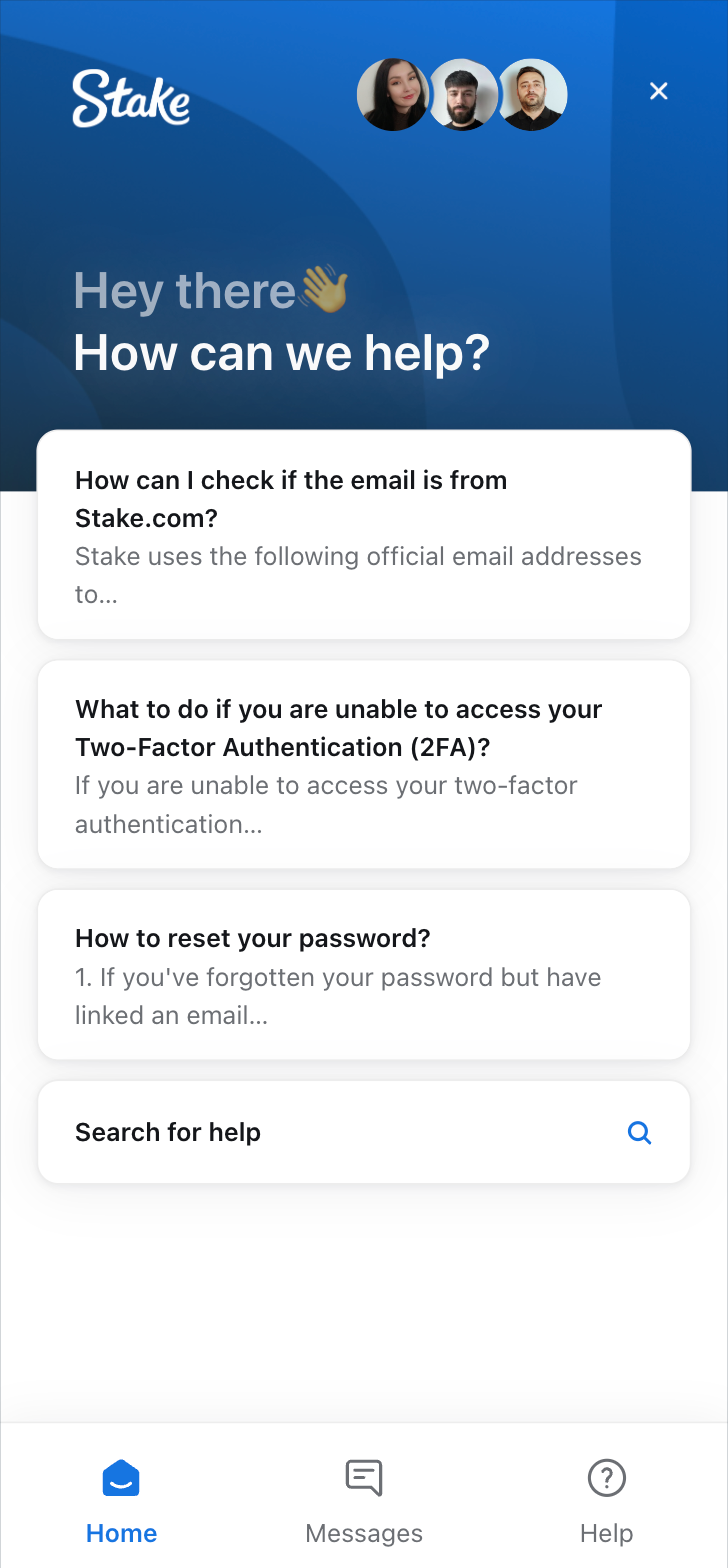
Rating: 4/5. Support runs 24/7 through live chat. We messaged them five times across the test period at different hours. Response times: 40 seconds, 55 seconds, 1 minute 10, and two replies that arrived almost before we hit send. The agents answered a bonus question correctly, explained a settlement rule on an esports bet, and once apologized for a delay that did not exist. Polite bunch.
One knock: the first response is sometimes a template asking for account details you already provided. Standard industry practice. Still mildly irritating.
Stake
Cash-Out & Betting Tools
Rating: 4/5. Cash-out is available on a solid range of markets, singles and multiples, with partial cash-out supported. During our test we cashed out a tennis accumulator mid-match. The quoted amount matched the payout to the cent, and the money appeared in our balance immediately.
Useful extras we appreciated:
- Edit options on unsettled wagers
- Bet history with full filtering
- Livescores and statistics inside the sportsbook
- Price alerts for selected matches
Terminology on the slip can confuse newcomers. If terms like cash-out value or Asian handicap read like a foreign language, our sports betting glossary translates them.
User Experience: Pros & Cons of Stake App
We logged everything, good and bad. Here is the honest tally.
| 👍 Pros | 👎 Cons |
|---|---|
| Lightning-fast crypto deposits and withdrawals | Curaçao licence offers weaker player protection |
| Excellent esports and sports market depth | Live streaming limited to selected events |
| 200% Bonus up to $500 with code TIPSGG | Android APK needed in some regions |
| Rock-solid stability, zero crashes in testing | Fewer fiat options than crypto ones |
| 24/7 live chat with fast responses | Bonus terms require careful reading |
Pros
- Crypto cashier is genuinely instant, deposits and payouts alike
- Provably fair casino originals you can verify yourself
- Deep esports coverage, CS2 and Dota 2 markets especially
- Clean, fast interface once you learn the layout
- Strong welcome offer through our link
Cons
- No top-tier regulatory licence behind the operation
- Video streams are hit or miss depending on the sport
- App availability varies by region, which complicates installation
- Support templates sometimes ask for info you already gave
- 10+ esports titles
- Live and pre-match betting
- Crypto deposit and withdrawal
Stake App Not Working
Problems happen. Here are the fixes for the issues users report most often, plus the one we ran into ourselves.
- App won't open or crashes on launch: clear the app cache, restart your phone, reinstall if it persists
- Can't log in: check your connection first, then reset the password. Still stuck? Contact live chat
- Live bets rejected: odds moved between selection and confirmation. Refresh and re-place the bet
- Geo-blocking message: Stake is unavailable in some jurisdictions. A VPN workaround violates the terms of service and risks your account, so don't
- Withdrawal pending: identity verification usually explains it. Complete KYC once and withdrawals flow freely
- App store listing missing: use the official APK route on Android or the mobile site
Our single real issue during testing was a rejected live bet on a tennis match due to an odds shift. The app flagged it clearly and the re-placed wager went through in seconds. Annoying, fair, forgettable.
- Also read: Stake Bonus Code & Promotions
How to Place Your First Bet via the App
New to this? Five minutes and you are done.
- Step 1: Download the app and register through our link, using code TIPSGG for the 200% Bonus up to $500
- Step 2: Deposit through the wallet tab, crypto or fiat
- Step 3: Open the Sports tab and pick a sport, or search a team directly
- Step 4: Tap your market. The bet slip opens automatically
- Step 5: Enter your stake, confirm, done
Live betting works the same way. Pick an in-play event, tap, bet. The slip updates odds in real time and asks you to confirm if the price shifts before submission.
TipsGG Personal Opinion on Stake App
We like this app. Not in a polite, hedged review way. We actually kept it on our phones after the test ended, which happens with maybe one bookmaker app in five that we review.
The crypto cashier is the standout. Deposits confirmed in minutes, our test withdrawal hit the wallet in under ten. Stake treats money movement the way it should be treated in 2026: fast. The sportsbook depth, especially esports, matches or beats most crypto competitors we have tested, and the casino section is frankly in a different weight class than what most bookmakers bother building.
Comparisons? Against Bet365, the Stake app loses on live streaming depth but wins on transaction speed. Against Cloudbet, Stake offers a richer casino and a busier community. Against BC.Game, honestly, it is close, though Stake's sportsbook feels more mature. The Curaçao licence keeps us from rating the overall package higher than 4.5, and it should keep you reading the terms carefully too.
Would we recommend it? Yes, with eyes open. If fast crypto transactions, deep esports markets and a generous welcome bonus sound like your thing, sign up with Stake using code TIPSGG and take the 200% Bonus up to $500. If you need a UK-style regulatory safety net, look elsewhere.
- 10+ esports titles
- Live and pre-match betting
- Crypto deposit and withdrawal
FAQ about the Stake App
Where to Download Stake App?
iOS users get it from the Apple App Store. Android users should try the Google Play Store first and fall back to the official APK from the Stake website if the listing is unavailable in their region. Never download the APK from third-party mirror sites. Official sources only.
Is the App Secure & Reliable?
Yes. SSL encryption, two-factor authentication, address whitelisting for crypto withdrawals and mandatory KYC. In three weeks of testing we had no security incidents, no unauthorized sessions and no payment errors.
Why is Stake App Not Working?
Most often a stale cache, an outdated app version, or a poor connection. Clear the cache, update, reinstall if needed. Geo-blocking triggers an error message in restricted jurisdictions, and account-specific issues are best resolved through the 24/7 live chat.
Can I Livestream on the App?
Selected events only, mainly tennis, basketball, esports and certain football leagues. Not every market has video. Match tracking and live statistics cover everything else, and they work well.
What's an APK and Is It Safe?
An APK is the Android installation package, the file format Android uses for apps. Installing one from the official Stake site is safe. Installing one from a random mirror site is not. Verify the source, scan the file if you are paranoid (we were, it came back clean), and grant unknown sources permission only for that single installation.