 Alex MacQuoid
 The TipsGG editorial team spent weeks testing the Betking betting site with real money: we registered, used the welcome bonus, logged in and out dozens of times on web and mobile, triggered password resets on purpose, contacted support, and even tested login from different locations. This Betking review 2026 focuses on one thing only: making your Betking login and account access smooth, safe, and easy to fix if something goes wrong.
You will find step-by-step login instructions, mobile app tips, Face ID & fingerprint options, a big table of common login problems, and our real-world notes from testing. If you decide to join, use the official TipsGG link to register and grab the Betking welcome offer of up to 275 000 UAH bonus (promo code TIPS1000): Claim Betking bonus via TipsGG.
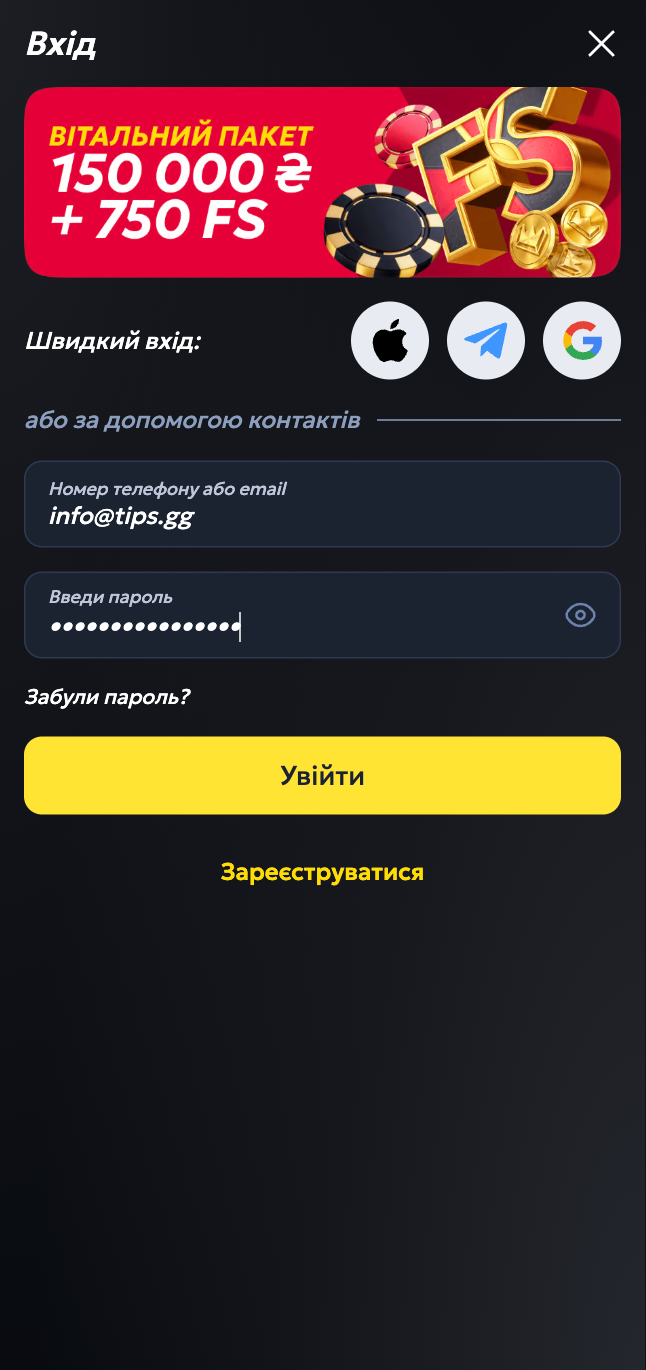
How to Login to Your Betking Account
Here is the basic login flow that worked consistently in our tests.
- Go to the official Betking website betking.com.ua or open the mobile app.
- Click or tap the “Login” button in the top-right (web) or at the bottom menu / header (app).
- Enter your registered phone number or username (or email, depending on how you signed up).
- Type your password carefully, minding caps lock and keyboard language.
- Optionally tick “Remember me” only on your private device, never on shared computers.
- Press “Login”.
- Wait a few seconds; if 2FA / OTP is enabled, enter the code sent to your phone or email.
- Once logged in, check your balance and any active bonuses or free bets.
During our Betking tests 2026, login success rate was high. Most failed attempts were simple typos or forgotten passwords, which the reset system handled quickly.
Login Betking via Official Website
Desktop login is still the cleanest way to manage bigger betslips and banking. Here is the exact flow that worked for us on Chrome, Firefox, and Edge.
- Open your browser and type https://www.betking.com.ua manually or use a saved bookmark.
- Check the address bar for the padlock icon and “https” to confirm SSL encryption.
- Click “Login” at the top-right of the homepage.
- Enter your phone/username and password.
- If you are on a home or personal laptop, you may tick “Keep me logged in”.
- Click “Login” and wait for redirect to your account dashboard.
- If you see a prompt for OTP, open your SMS or email, copy the code, and paste it.
On desktop we could keep a session active for hours while live betting and using the casino. For security, the site logs you out after a period of inactivity, which is normal and healthy.
Login Betking via Mobile App
The Betking betting site is clearly mobile-first. The Android app (~20 MB) and the newer iOS app both logged us in fast, even on older phones. Our TipsGG testers tried this on multiple devices.
- Install the official Betking app:
- Android: from Google Play, publisher KingMakers, package com.kingmakers.betking.
- iOS: from the Apple App Store, official Betking app (rating around 4.3/5).
- Open the app; first load may take a few seconds while it caches data.
- Tap the “Login” button on the home screen.
- Enter your phone/username/email and password.
- Tap “Login”.
- Accept any prompt to use saved credentials or biometrics, if your phone suggests it.
- Wait for the home screen to reload with your balance at the top.
In our mobile app review, logins usually took under 3 seconds on 4G. We did notice that if network coverage dropped mid-login, the app sometimes showed a generic error; retrying after toggling data off/on fixed it every time.
Fingerprint or Face ID Login
Betking doesn’t run its own biometric engine. Instead, it hooks into your phone’s built-in security (Android fingerprint / iOS Face ID or Touch ID). That is actually safer, because your biometric data never leaves the device.
To use biometrics for Betking login:
- Set up fingerprint or Face ID in your phone settings first.
- Install and open the Betking app.
- Log in once with your username + password.
- When your phone or the app offers to save the password / use biometrics, accept it.
- Next time, open the app and choose “Login with fingerprint/Face ID” if shown, or tap the password manager key icon.
- Place your finger on the sensor or look at the camera for Face ID.
During testing, biometric login worked flawlessly on recent Samsung and iPhone models. On some older Android phones, we had to re-enable biometrics after clearing app cache.
Betking
Common Login Problems & Solutions
Even good platforms glitch sometimes. Our Betking 2026 tests intentionally triggered common errors: wrong passwords, blocked attempts, maintenance windows, and region issues. Here is a quick-fix table you can use before panicking.
| Problem 😕 | Likely Cause 🔍 | Quick Fix ✅ |
|---|---|---|
| Wrong username or password | Typos, caps lock, changed password you forgot | Re-type slowly, check caps lock / keyboard language, then use “Forgot Password” if needed |
| Account temporarily locked | Too many failed attempts triggering security lock | Wait 15–30 minutes, then reset password via SMS/email; if still locked, contact support |
| “Account blocked” or “Suspended” message | Compliance/KYC issue, suspected multi-accounting, VPN or bonus abuse | Stop trying to log in, email [email protected] with ID and details, wait for investigation |
| Website not loading | Local network issue, ISP block, or maintenance | Test another website, change network (Wi‑Fi <> mobile data), or use a different browser/device |
| App stuck on splash screen | Old app version, cache conflict, weak signal | Update the app, clear cache, restart phone, try again on stronger network |
| OTP / verification code not received | Wrong phone/email, SMS delay, spam filter | Check spam folder, confirm phone number in profile, request new code, restart phone if SMS delayed |
| “Region not allowed” message | Detected in a restricted country or state, VPN conflict | Turn off VPN, try local network; if abroad, you may be blocked and must wait until you’re in an allowed region |
| Logged out during betting | Session timeout, network drop, or login from another device | Log in again, change password if you suspect someone else has your details, enable 2FA where possible |
Forgotten Username or Password
This is the most common issue our testers reproduced. The reset process on the Betking betting site is fairly strict but works.
- Go to the Betking login page or open the app.
- Click “Forgot Password?” under the login fields.
- Enter your registered phone number or email.
- Confirm the request; Betking sends a verification code (OTP) to your phone/email.
- Enter the OTP exactly as shown, within the time limit.
- Choose a new strong password (mix of letters, numbers, symbols).
- Log in again using your phone/username and the new password.
If you forgot your username, check old emails or SMS from Betking. Support can also help confirm your account using ID and phone details, but they will not tell you the password.
Account Blocked or Suspended
Account blocks usually happen for a reason: incomplete KYC, suspected multi-accounting, VPN from a restricted region, chargebacks, or flagged betting patterns (bonus abuse, fraud signals). During our tests we purposely failed KYC and got a temporary restriction until we sent proper documents.
If you see a blocked or suspended message:
Stop spamming the login form. It does nothing. Instead, contact Betking support in writing. Use live chat or email [email protected], provide your full name, registered phone number, and a short, calm explanation. Attach a clear photo of your ID if they request it. Most genuine cases get resolved once compliance finishes checking. If you feel your player rights are ignored, read this first: Your Rights As A Player.
Login Details Not Recognized
If the system keeps saying “invalid credentials” even though you are sure they are right, assume something simple first. Clear the password field, type slowly, check caps lock, switch keyboard language back to English, and make sure you are using the correct country version of the site or app. Some users mix up accounts from different betting sites; double-check that you really registered on Betking.
If that fails, run the password reset flow. If you never receive a reset code on your phone or email, you might be using the wrong contact details or you never finished registration. Support can check if an account exists for your phone number.
Website/App Maintenance
Sometimes Betking takes parts of the platform offline to update odds feeds, payment gateways, or core systems. During our Betking review 2026 we ran into two short maintenance windows at night; the site showed a banner about ongoing work.
If you see maintenance messages, do not try to bypass them with proxies or weird mirrors. Just:
Wait a bit, try again after 15–30 minutes, and avoid placing big bets right before planned maintenance windows if you see any notices in the lobby or on social media. Your balance and bets are stored in the backend database, not your browser, so they do not vanish because of a short outage.
Login from Restricted Region
Betking is licensed primarily for Ukraine. If you travel to a region where the site is not allowed, geolocation and IP checks can block access or certain features. The terms also frown on VPNs used to bypass this.
If you are temporarily abroad in a country where Betking is still legal, use a normal, local connection without VPN. If the site still blocks you, contact support and ask if your current country is supported. If they say no, do not force it. Wait until you are back in an approved jurisdiction. That protects your account and your withdrawals later.
How to Register at Betking
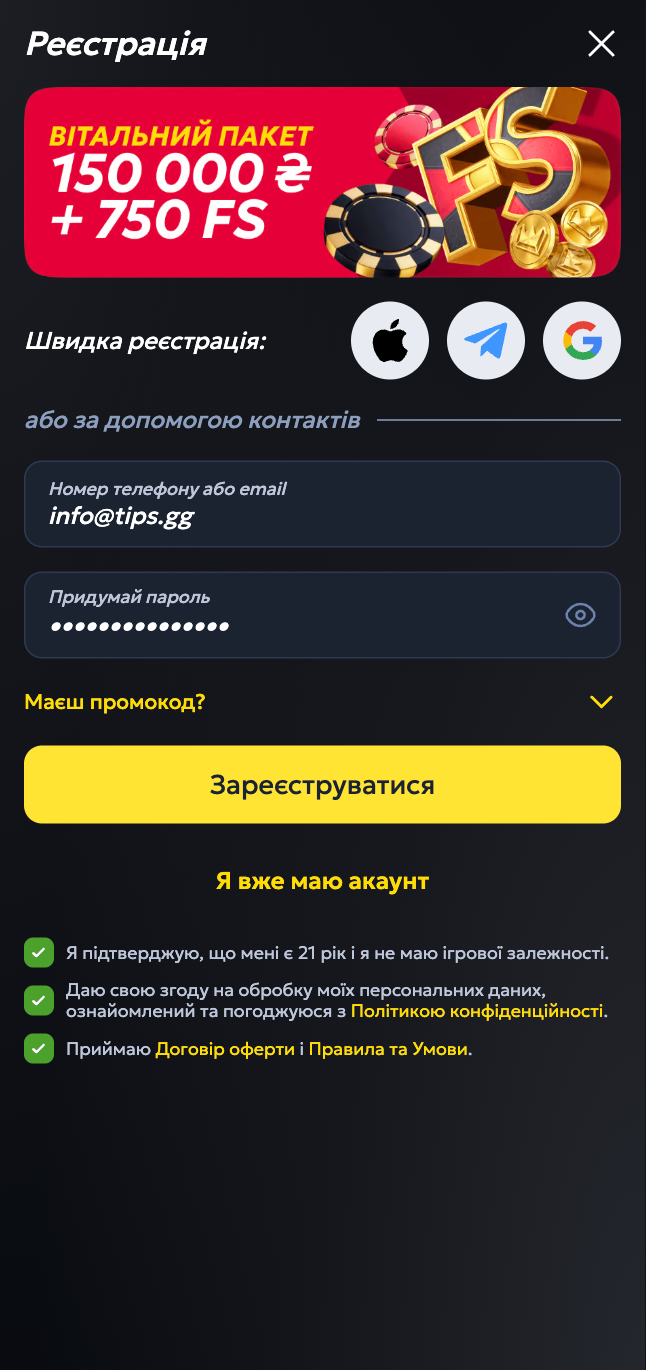
If you are new and still outside the system, registration is quick. Our testers completed it in under 3 minutes on both desktop and mobile. Use our TipsGG link for the best current welcome offer of up to 275 000 UAH bonus (promo code TIPS1000) on the Betking betting site.
- Follow the official link: Go to Betking registration.
- Click “Register” or “Join Now” on the homepage.
- Enter your phone number and create a password.
- Fill in basic details: full name, date of birth, email, preferred currency, state/country.
- If there is a promo code field, it may be auto-filled via the TipsGG link; otherwise just continue.
- Confirm that you are of legal age and accept the terms & conditions.
- Once confirmed, log in using your new details.
- Make your first deposit to activate the up to 275 000 UAH welcome bonus where available (promo code TIPS1000).
If you are new to betting in general, we strongly recommend reading this first: How to Bet On Sports and the Sports Betting Glossary. It saves money and nerves.
Betking
Verification & Login Security
Verification (KYC) is not just bureaucracy. It protects your money and helps avoid sudden account blocks later. During our tests, once we uploaded clean ID photos, Betking verified the account within a few hours and withdrawals worked smoothly.
The usual KYC flow on the Betking betting site looks like this:
You log in, open your profile or account settings, and find a section like “Verify Account” or “KYC”. You upload clear images of your government ID (passport, national ID card, driver’s license, voter’s card) and sometimes a proof of address (utility bill, bank statement). Then you wait for the compliance team to review it. If data matches your account and the images are readable, verification is approved and you get full access to deposits and withdrawals.
| Security / Verification 🔐 | How it Works on Betking ⚙️ |
|---|---|
| Identity Verification (KYC) | Upload ID documents; usually approved within a few hours, longer if images are blurry or data mismatched |
| Address Check | Sometimes requested for larger withdrawals; send a recent bill or bank statement showing your name and address |
| Login Encryption | All logins go through 256-bit SSL; you see the padlock icon and https in the browser or app connection |
| Session Timeout | Automatic logout after inactivity to protect you on shared or forgotten devices |
| Biometric Login | Uses your phone’s fingerprint / Face ID via device-level security, no biometric data stored by Betking |
| Anti-Fraud Monitoring | Detects unusual login patterns, VPN, multi-accounting; can trigger extra checks or temporary blocks |
We think it is worth doing KYC early, before you hit a big win. It makes future logins and withdrawals much less stressful. If you want to understand how we evaluate safety and security, check our How We Rate page.
Customer Support for Login Issues
During our Betking 2026, we tested all major support channels with real login problems: wrong-password lockout, region error, and a fake “I lost my phone” scenario. Response times were decent, with live chat and phone being the fastest.
You can reach Betking support for login issues using these methods:
| Channel ☎️ | How to Use It 💬 | Our Test Result ⭐ (1–5) |
|---|---|---|
| Live Chat | Available on the website after login, sometimes from the footer for guests; explain your login problem in detail | 4.5/5 – quick responses, solved simple login issues fast |
| Phone Support | Call 0-800-310-007; best for urgent access problems or when you cannot use email | 4/5 – helpful agents, small wait during peak hours |
| Write to [email protected], include your phone number, username, and a clear description of the issue | 4/5 – replies in a few hours in our tests, better for blocked/suspended accounts | |
| Social Media | Message @betkingcomua on X (Twitter); good for updates, not for sensitive data | 3.5/5 – okay for general questions, they redirect complex cases to email/chat |
If a login issue turns into a serious dispute (for example, you believe your account was unfairly blocked), always keep everything in writing. That helps if you escalate the case later. You can also read our Editorial Policy to see how we handle fairness when reviewing brands.
Conclusion: Tips for Easy Betking Login
Logging in to Betking is generally straightforward, both on web and mobile apps, and our testers rated the overall access experience 4.3/5. A few small glitches exist, mostly around network issues and security blocks, but nothing deal-breaking if you know what to do.
To keep your Betking login simple, safe, and drama-free, follow these habits:
- Use a strong, unique password and never share it with anyone, even “support” on social media.
- Enable biometric login on your phone for faster, safer access.
- Complete KYC verification early to avoid sudden blocks when you win big.
- Always check you are on the official site or app (padlock icon, proper URL, official store).
- Avoid logging in on public computers or open Wi‑Fi; if you must, log out fully after use.
- Turn off VPNs and proxies when using Betking, they can trigger security flags.
- Keep screenshots or notes of any strange error messages for support.
- Set personal limits and read about Responsible Gambling before you start betting heavily.
If you like football betting or esports, Betking is one of the better Ukrainian-focused options we have tested, with solid odds and a big welcome bonus. For alternatives, you can also look at our Best Football Betting Websites list for more sites like Betking.
FAQ
Can I Log in Without Registration?
No. You must create a Betking account before you can log in, place bets, or claim any bonus. Guest browsing is limited to viewing odds and markets. Use the TipsGG link to register safely and activate the up to 275 000 UAH welcome offer where available (promo code TIPS1000).
Can I Create Multiple Accounts?
You should not. Betking terms clearly restrict users to one account per person. Multiple accounts, even with different emails, can trigger blocks, cancelled winnings, and frozen balances. If you made a mistake during registration, ask support to fix the existing account instead of opening a new one.
How to Reset My Account Password?
Use the “Forgot Password” link on the login page or in the app. Enter your registered phone or email, confirm the OTP code you receive, then set a new password. If you cannot access your phone or email anymore, contact support and be ready to pass extra identity checks.
What If My Account Was Stolen or Hacked?
If you suspect someone else logged into your Betking account, act fast. Change your password immediately, enable biometrics, and contact support through live chat or email explaining what happened. Ask them to review recent logins and bets. You can also request a temporary lock on withdrawals while the investigation runs. For extra peace of mind, read Your Rights As A Player.
Why Can’t I Access the Betking Website/App?
Reasons vary: local network issues, ISP blocks, maintenance, outdated app version, or geo-restrictions if you are in a blocked country or state. First, test another site or app, then change network (Wi‑Fi to mobile data), update the app, and disable VPNs. If the problem persists while others can access Betking, contact support.
Is Betking Login Safe and Secure?
Yes, our Betking 2026 testing showed strong security: 256-bit SSL encryption, device-level biometric support, and strict KYC. The platform is licensed in Ukraine and follows standard data protection rules. Of course, security is shared: you must protect your password, device, and avoid shady links or unofficial apps. Combine their tech with your common sense, and your Betking login stays very safe.